
On your SportLynx account, you can easily reset your password. It may be required in case you forget your password.
Step 1: Go to the login screen of SportLynx:
https://app.sportlynx.com/login.
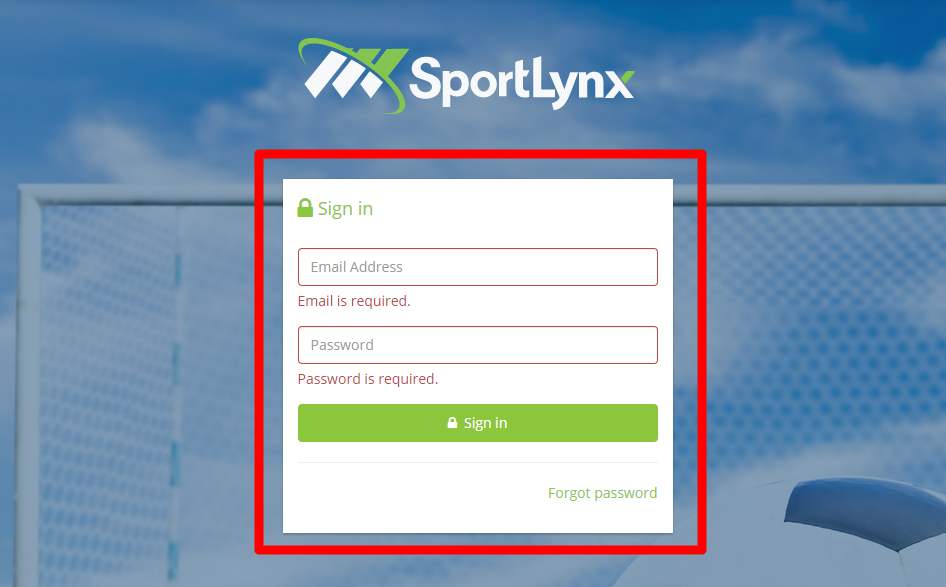
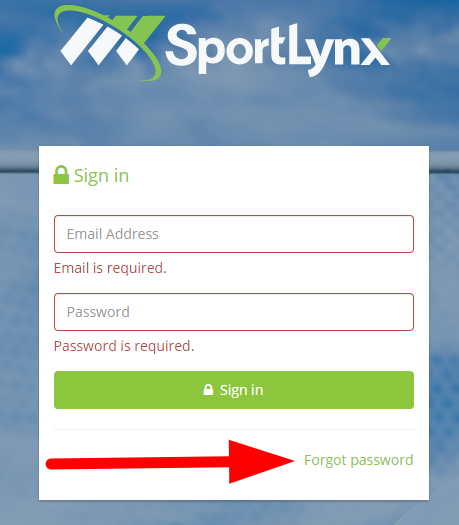
Step 2: Click on the Forgot Password link on the screen.
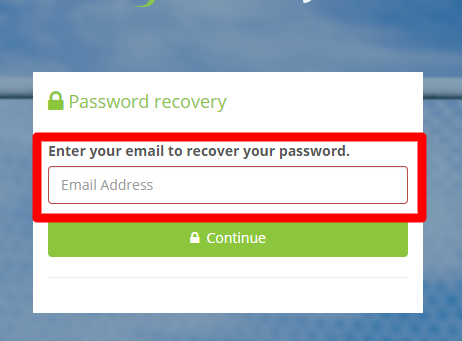
Step 3: On the following screen, enter your registered email for your SportLynx account.
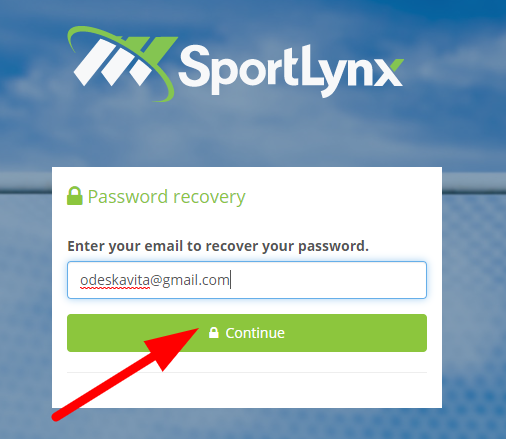
Step 4: Click on the Continue button.
Step 5: On the next screen, you will see the following message.
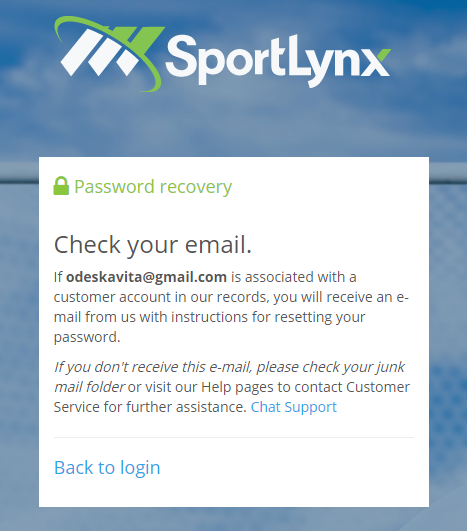
Step 6: Check your email and you will receive the following email from SportLynx.
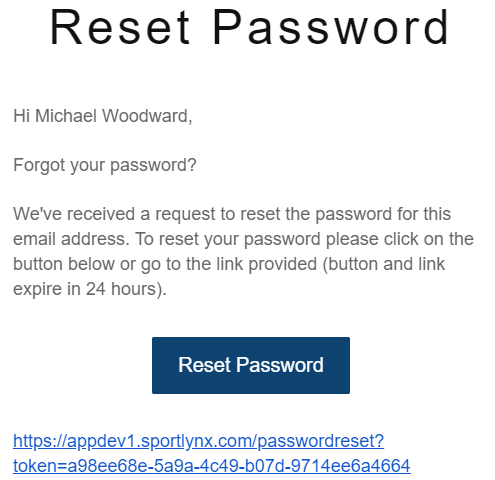
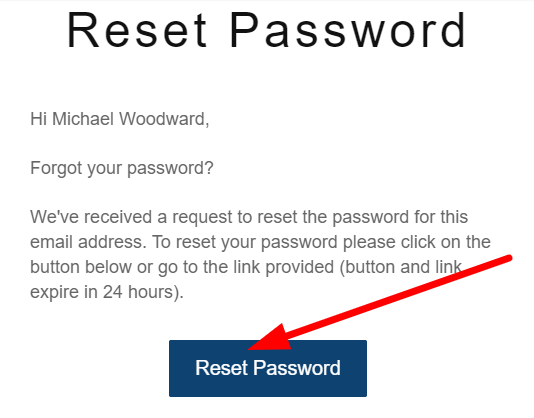
Step 7: Click on the Reset Password button.
Step 8: On the following window, enter your new password.
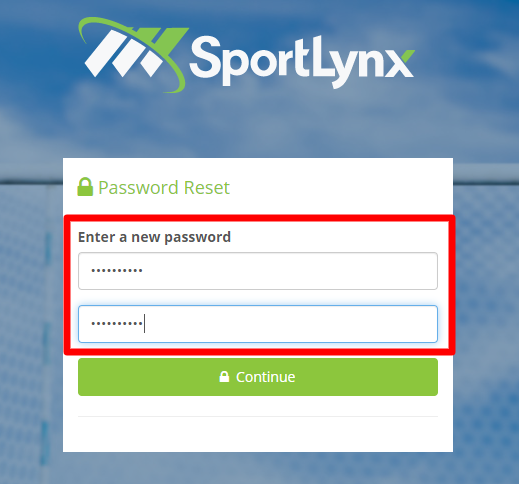
Step 9: Click on the Continue button.
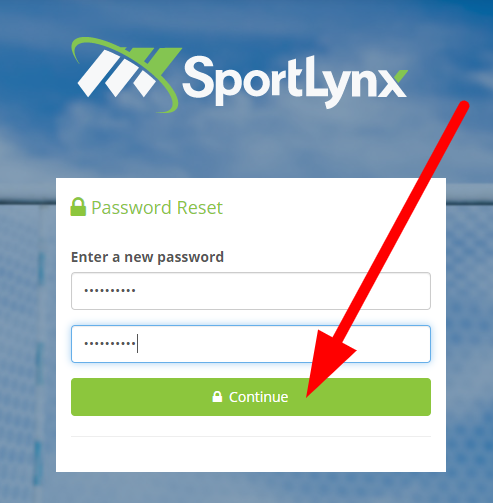
Step 10: On the following screen, you will see the following message:
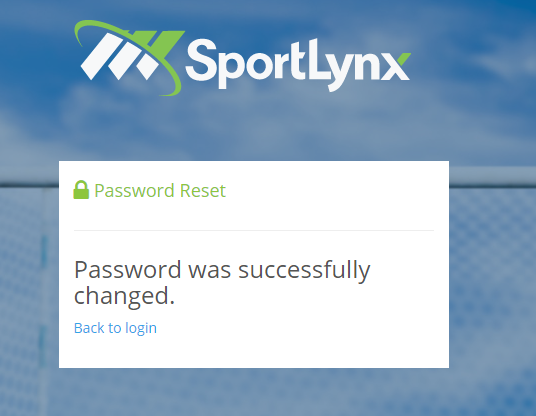
Now, use your email and new password to login on to your SportLynx account.
Comments
0 comments
Please sign in to leave a comment.